
Printing a Fish on My New Riso Machine!
Our new-to-us Riso machine (an SF5450!) arrived today! I couldn’t resist testing it with a tai fish print—black ink only, but still fun!

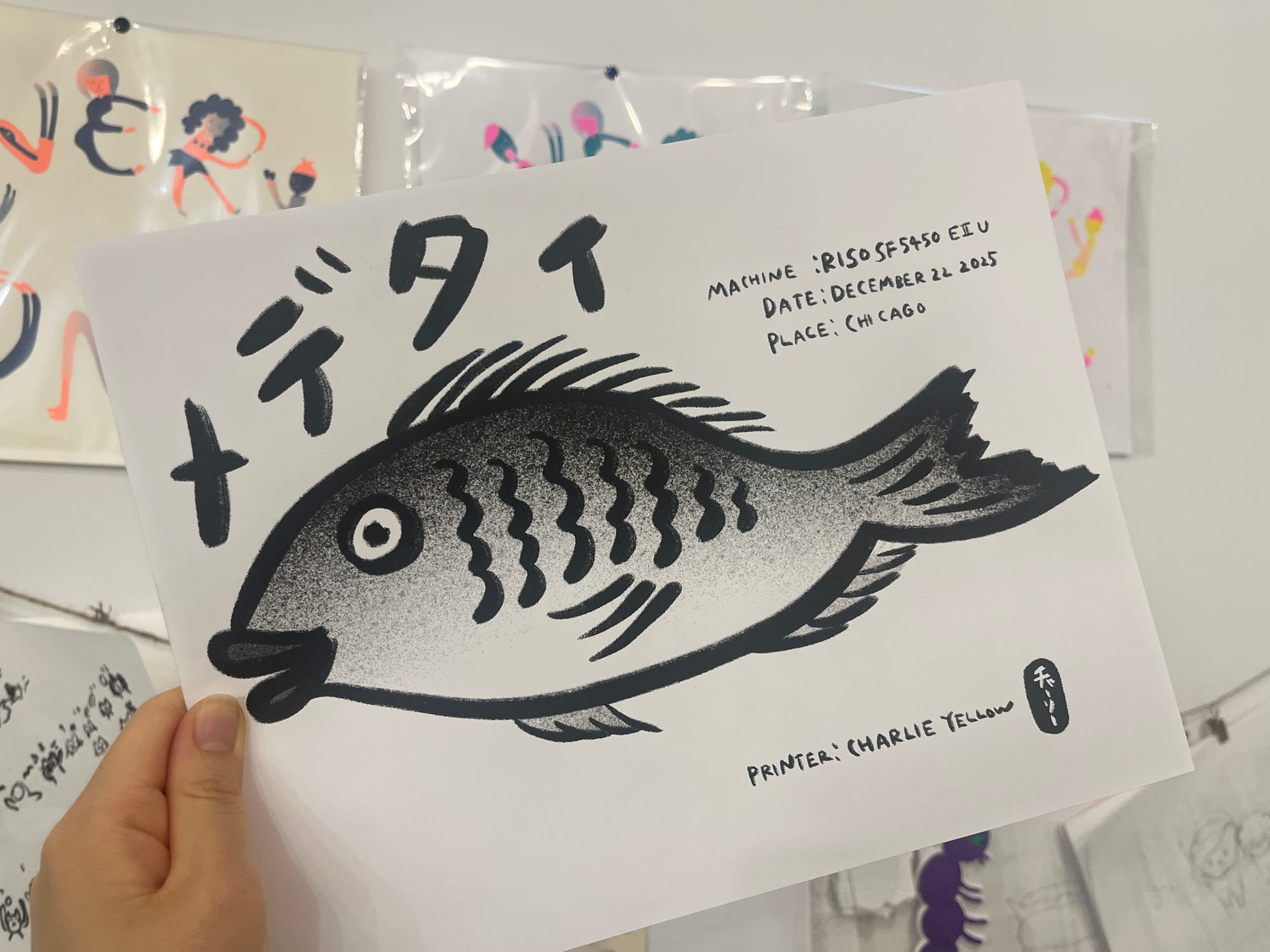
Today, our brand new Risograph machine arrived at home!
It’s the SF5450, which can print in tabloid size. Yay!!
We only have black ink for now, but I couldn’t wait—so I quickly doodled a little illustration and gave it a test run in black and white.
Do you know gyotaku? If you fish, maybe you’ve heard of it—it’s a traditional method of printing fish in Japan. You cover the fish in ink, press paper on top, and transfer its shape onto the page.
I don’t really know why, but something about printing a fish like that felt really fun today.
Also, did you know the tai (sea bream) is considered a lucky fish in Japan? It’s a wordplay thing—“medetai” means happy or auspicious, and it literally contains the sound tai! 🐟
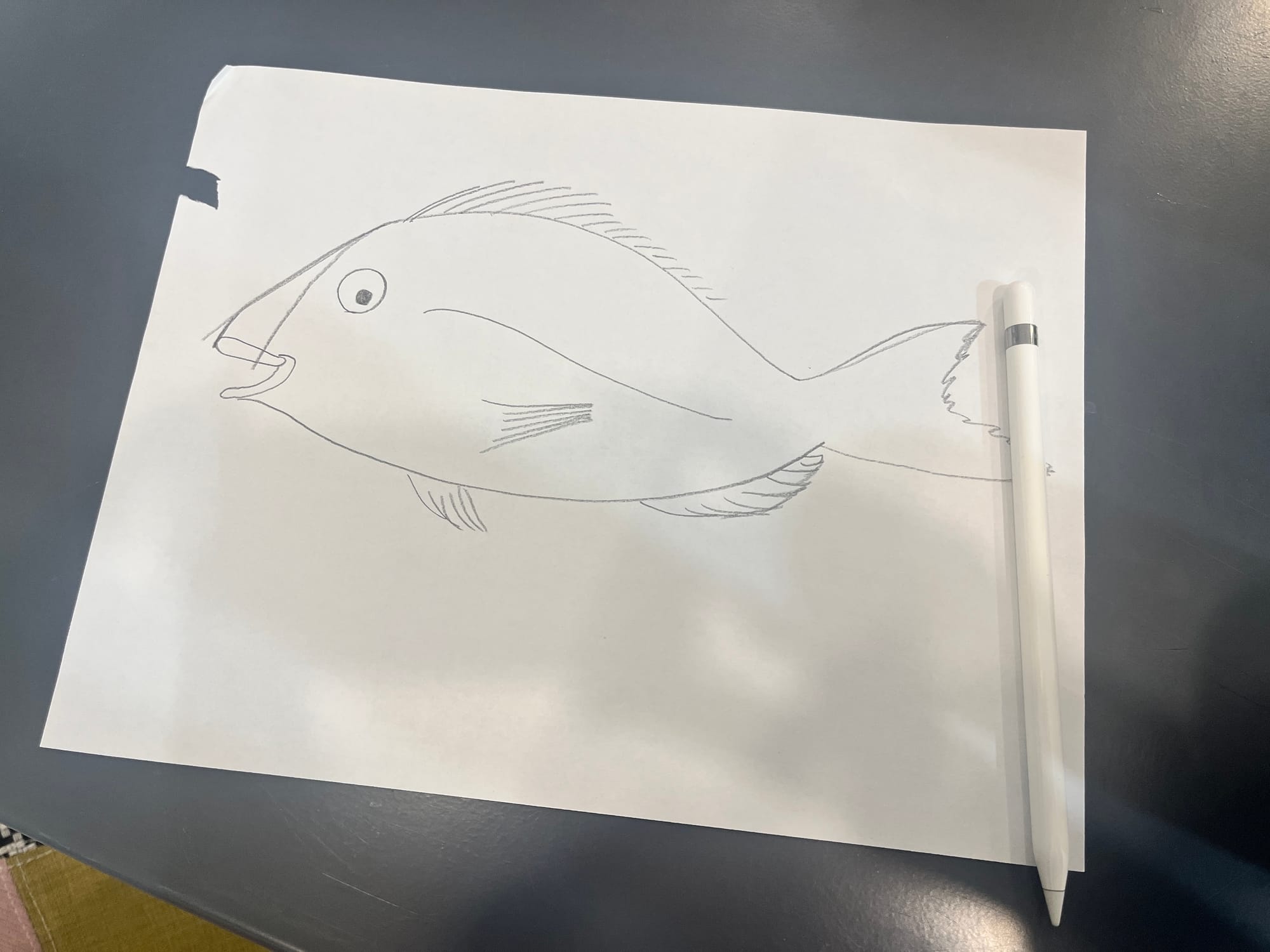
So, of course—today was a medetai (auspicious) day thanks to the new Riso, and what better way to celebrate than with a tai fish gyotaku-style drawing?
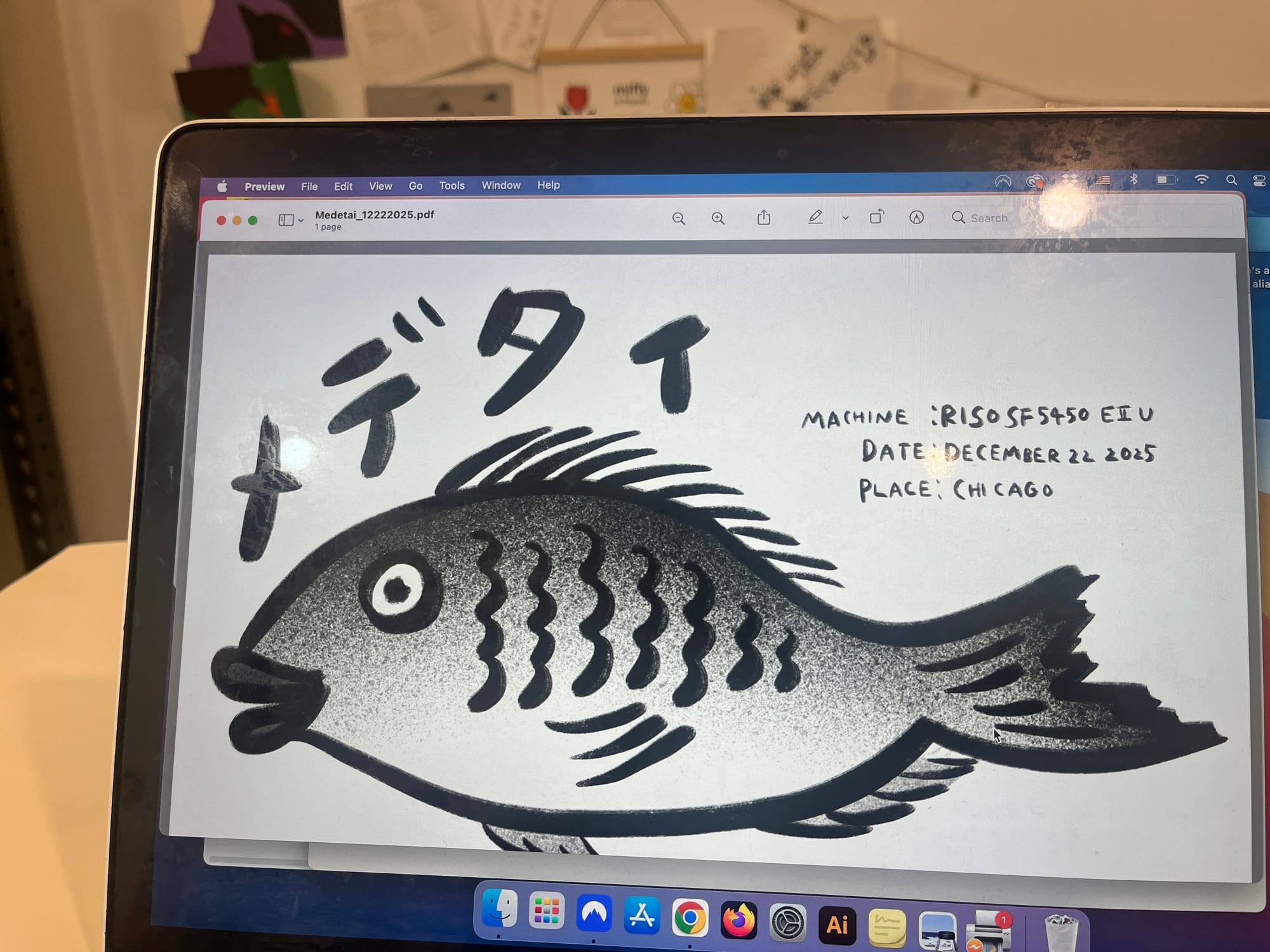
My husband showed me quickly how to send files to the new machine, but when I tried doing it myself, it suddenly said the printer was offline. Why!? So I asked AI for help. It gave me a whole list of possible reasons, but turns out… the USB cable was just halfway unplugged. Oops.
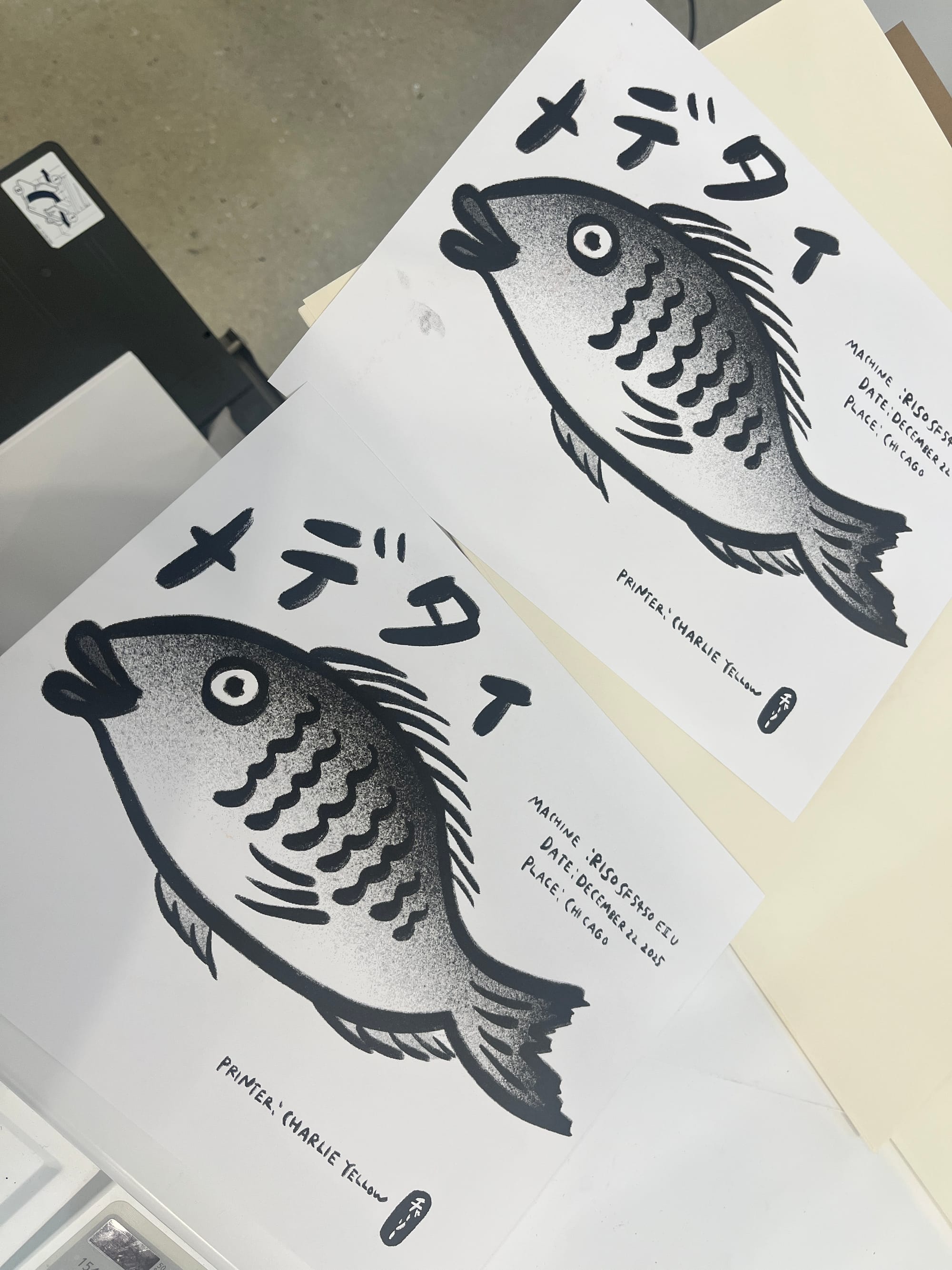
Anyway! Once it was printing, the ink came out really nicely. Even in black and white, I realized you can get some cool depth if you mix up your pen tools and try some gradient shading.
There’s a lot of fun to be had even without color!